A Windows app that sends millions of visits in a single click — with full control over browser, OS, device, version, GEO location and much more. Real human behavior, guaranteed.
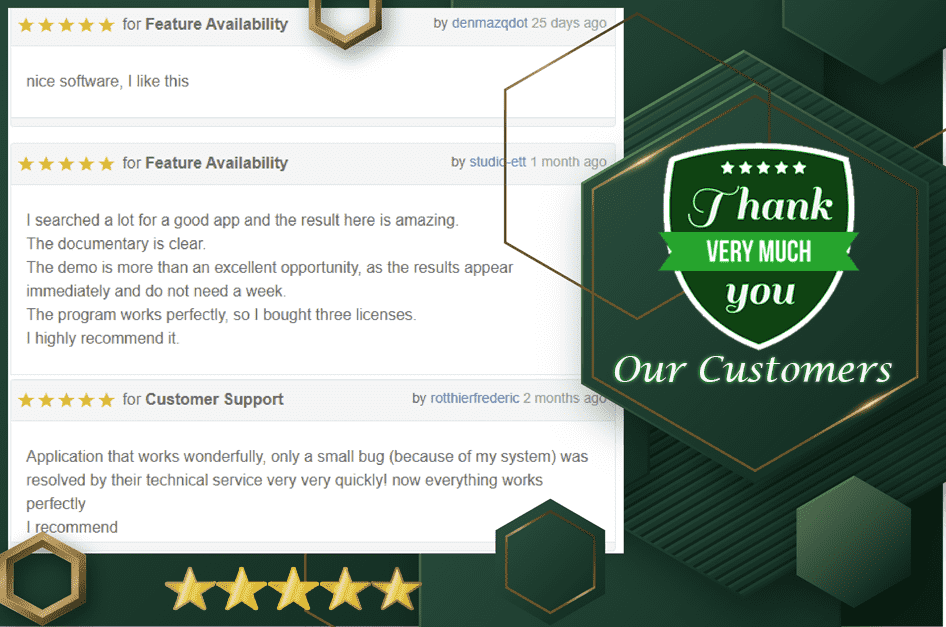
Our customers rate us 5 stars on CodeCanyon. Explore the YouTube Views Generator and Bounce Rate Control too.
InMillion Web Traffic Generator is a Windows app that sends millions of visits to your websites in a single click, and lets you customize each visit with a huge range of options — browser, operating system, device, version, GEO location and more. In short, it's a creative tool to improve your own or your clients' website SEO. See the advantages.


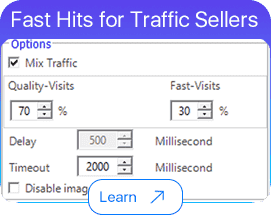
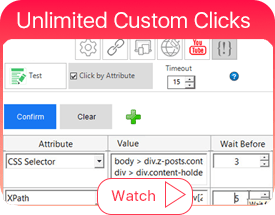
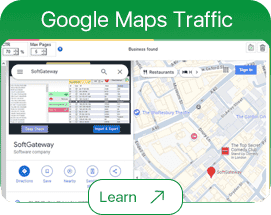

It is fully safe to send traffic to any website running AdSense or any other ads account — as long as you don't send external clicks. Read this article to learn more.
This software is built to improve your website's SEO and rank. Our mission is to save your time, effort and money — not to help anyone earn money illegally. We do not support sending fake clicks to any CPC/CPA website, and we never will.
So what's the "Exclude/Include externals" option for? It's one of the most powerful features for building backlinks: it sends unlimited clicks to any backlink on your website. If you're new to how backlinks affect SERPs and keywords, read up on it here.

Watch videos, and browse all features and how-to articles.
The app is easy to use even for beginners — but here's something some marketers overlook: to see and analyze the visits on your website, you need an analytics tool installed, such as Google Analytics, Matomo or Mixpanel.
Setting up Google Analytics properly benefits your site for real visitors too — it's good for SEO in general. Make sure your analytics tag is installed correctly:
Set up the Analytics site tag · Check if a page uses Analytics
Tip on GA4: if you've already added a GA4 property, find your tracking code under Admin → Property → Tracking code. See this sample of what a GA4 tag looks like.


